 Dozy
1Set the minutes. Hand it over.
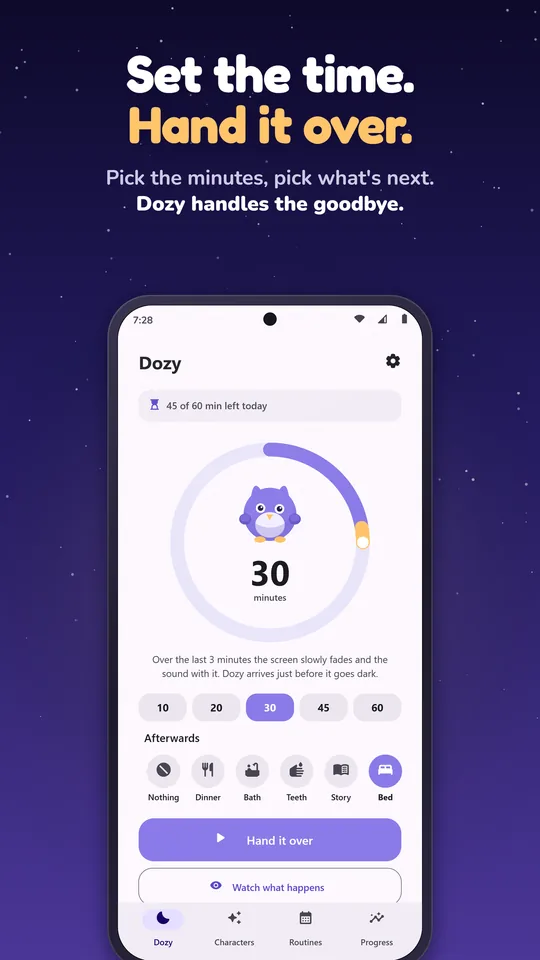
Pick how long and give the device back. Your child watches or plays as normal, in any app.
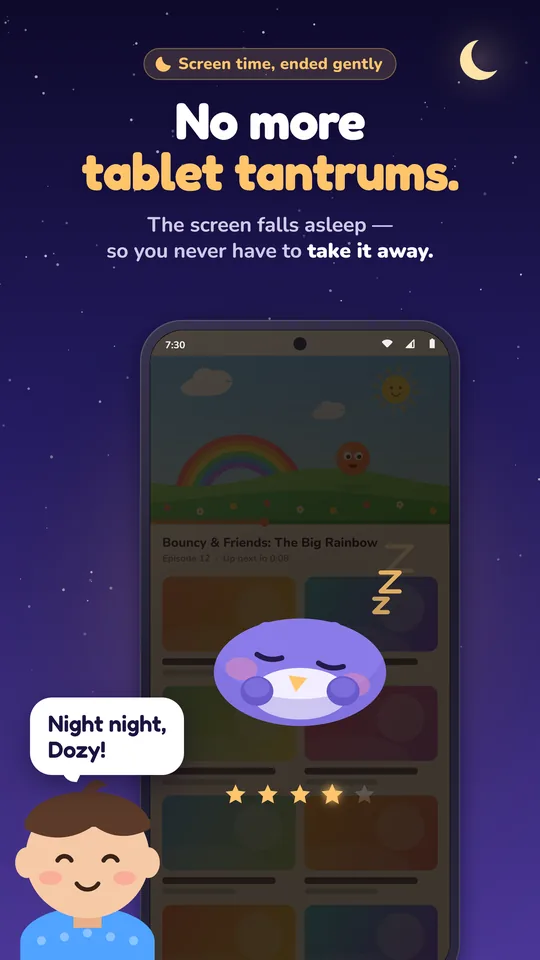
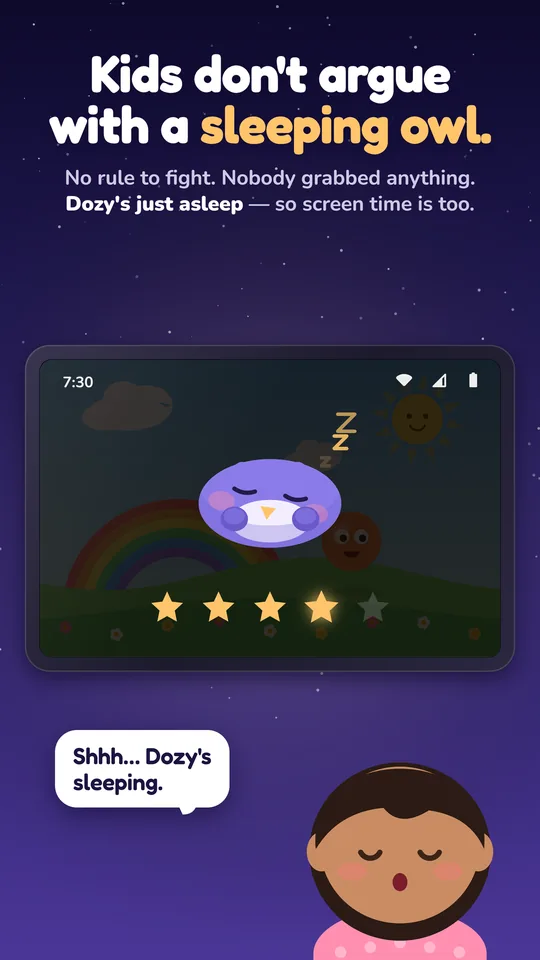
You don't take the tablet away. The tablet falls asleep. The screen dims, the sound fades, and Dozy the sleepy owl yawns and nods off on top of whatever your child is watching. Kids don't argue with a sleeping owl.
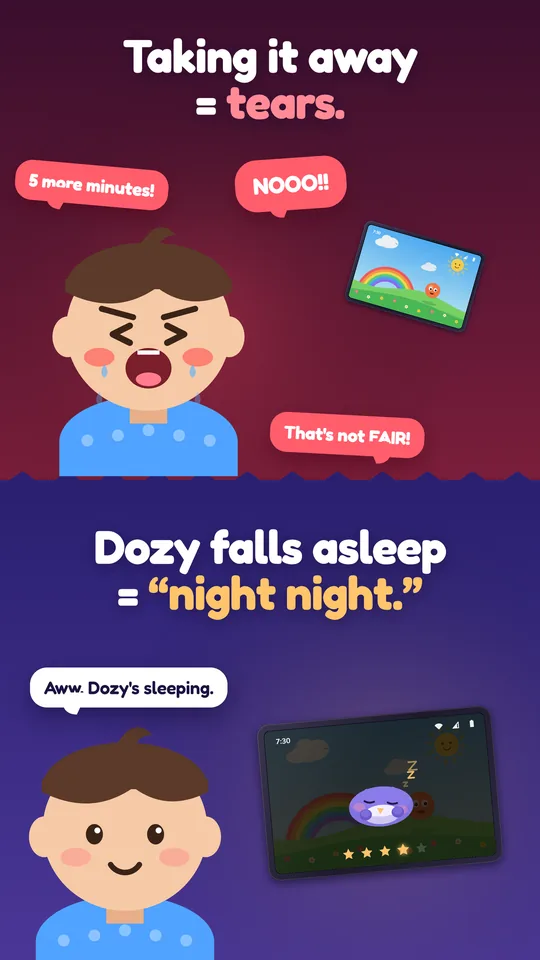
You know the moment. “Okay, tablet off now.” Then come the tears, the bargaining, the “just ONE more!” and you prying a device out of small hands. Every single night.
Dozy changes who ends screen time. Nobody grabbed anything, there's no rule to fight, and no timer cut a show off mid-sentence. Dozy is just asleep, so screen time is over too.
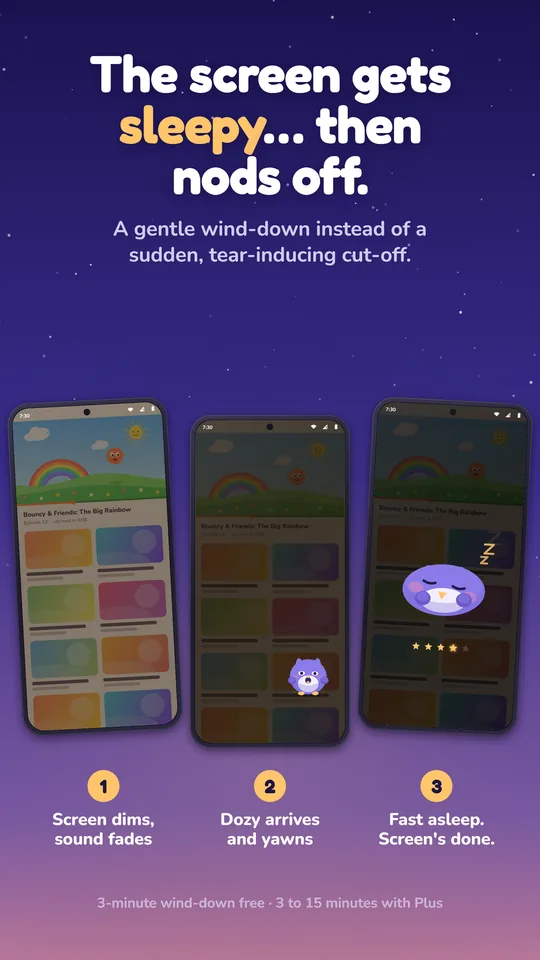
Three minutes by default, up to fifteen with Plus. The wind-down is so gradual that nothing seems to change from one moment to the next.
Pick how long and give the device back. Your child watches or plays as normal, in any app.
Brightness falls and warms in one smooth line, and the volume steps down until it's silent, right as time runs out.
Dozy appears, rubs its eyes, yawns, curls up and drifts off. The screen goes dark, the video pauses, Dozy snores.
Completely wordless, so it works even for toddlers who can't read yet.
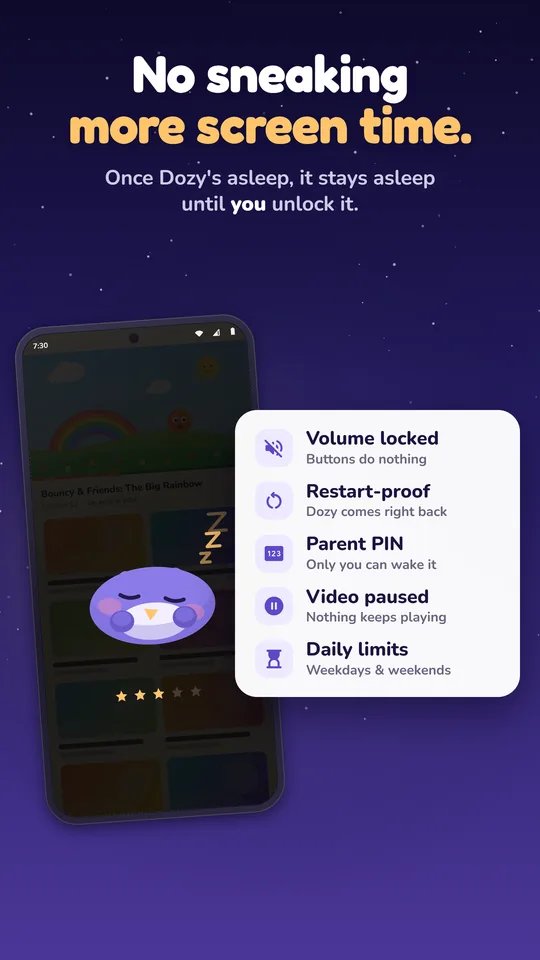
Once Dozy is asleep, the device stays asleep until a grown-up says so.
Ending screen time is half of it. Dozy also helps with what comes next, and shows you it's getting easier.
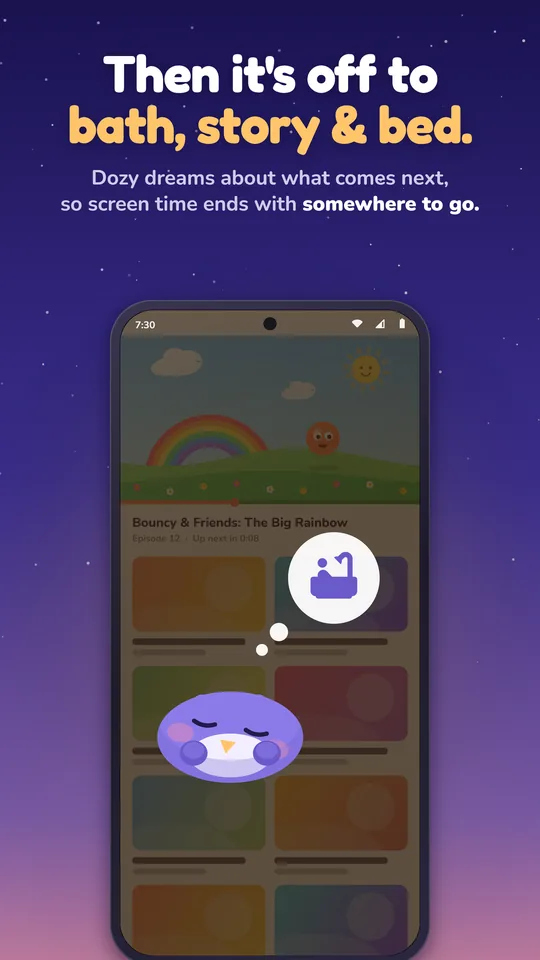
Pick dinner, bath, teeth, story, bed or toys, and Dozy dreams about it as it falls asleep. Screen time ends with somewhere to go, and you don't have to say a word.
Every calm landing puts a star in the jar. Your child sees tonight's star glowing on the sleeping screen, and sees it go out if they fight it. Five stars earn a reward you choose, like picking Friday's film.
Reward: pick Friday's filmAfter you unlock, tap a face for how it went. Your answers build into a chart, with streaks alongside.
Watch bedtimes go from “very hard” to “very easy” on a simple, honest chart. It's yours alone and stays on your device.
Separate weekday and weekend allowances. Each session draws from the day's budget, and going over needs your PIN.
Start a session from the Dozy widget on your home screen or lock screen, without unlocking your own phone.
Schedule school nights and weekends, and let Dozy wake up at the time you allow in the morning.
Every character is drawn live by the app itself, so they're crisp on any screen. These ones are the real thing, too.
Tap a friend to tuck them in.
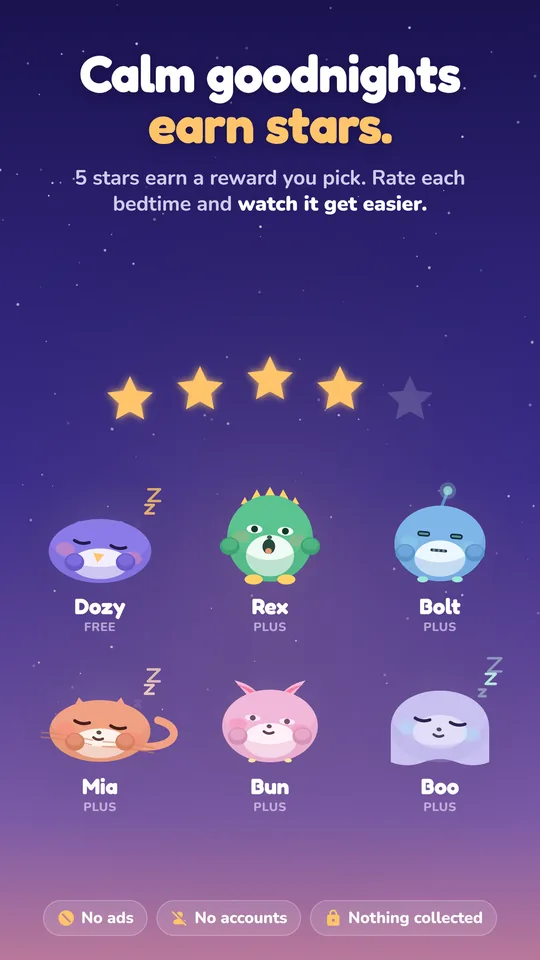
The whole wind-down and every safeguard come free. Dozy Plus adds friends, longer wind-downs and routines.
Free
Monthly, yearly or a one-time lifetime purchase
Prices are shown in Google Play in your local currency. Purchases are handled by Google Play.
Dozy has no servers to send anything to. Your settings, PIN and progress live only on your device. No analytics, no advertising ID, no trackers.
No. Dozy uses Android's “Display over other apps” permission so the sleepy screen can appear on top of the video or game. It only draws; it never reads, records or captures what's on the screen, and it doesn't use the Accessibility API.
Dozy comes straight back. A session that was running is put back after the restart, and if Dozy was already asleep it stays asleep. A restart also costs tonight's star.
Go to Settings › Apps › Dozy › Storage › Clear storage. Android never lets Dozy cover that screen, so there is always a way out for an adult. This resets Dozy completely.
Android phones and tablets running Android 8.0 or later. Dozy isn't available for iPhone or iPad.
Android hides overlays on a few sensitive screens, such as Settings and permission prompts. That's the platform protecting you, and it's working as intended. Dozy comes back the moment your child leaves, and the volume lock keeps working throughout.
While a session runs, Android requires a visible notification for the timer that keeps it going. It's also where you can end or extend a session (behind your PIN, if you set one).
No. The full wind-down, the volume lock, the PIN, the star jar, daily limits and “what's next” are free. Dozy Plus adds more characters, longer wind-downs, routines and morning mode, monthly, yearly or as a one-time lifetime purchase.
Free on Google Play for Android phones and tablets.